Product Photos: a virtual studio for €0.07
Turn a simple product photo into a professional packshot. No studio, no prompts, no subscription.
In short: MyShotPro generates professional product photos from a single photo, in about 30 seconds, at roughly €0.07 per image. Your product (shape, logo, colours) is preserved, no prompting required, no subscription: 10 free credits to try.
Try for freeYour product stays at the center. The setting changes.
See how a product photo can become a packshot or lifestyle visual while keeping essential product details visible.
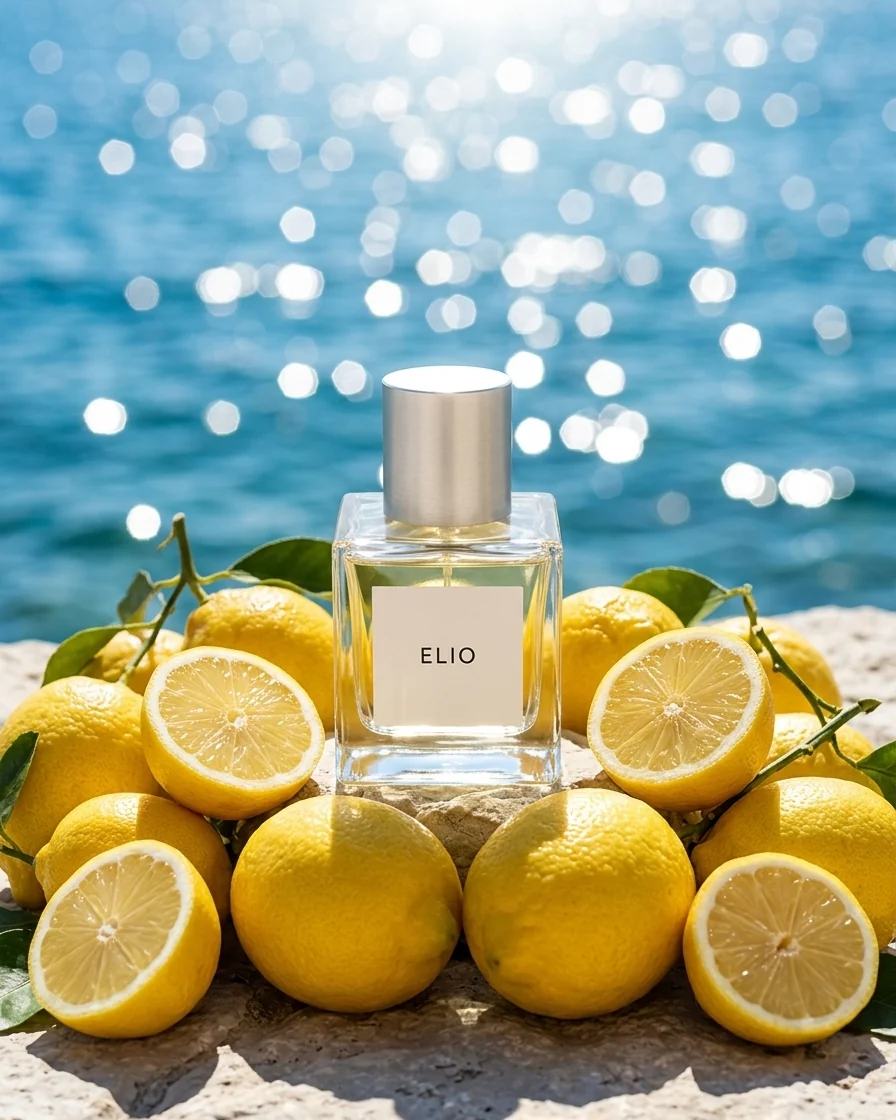
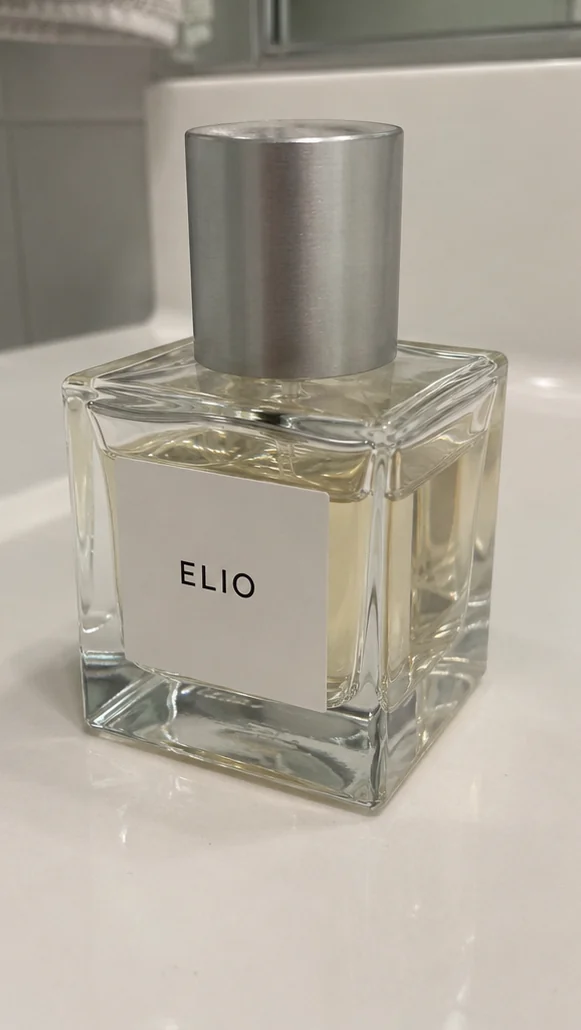
Glass, metal and reflections under control
Build a campaign visual around a product with demanding materials.
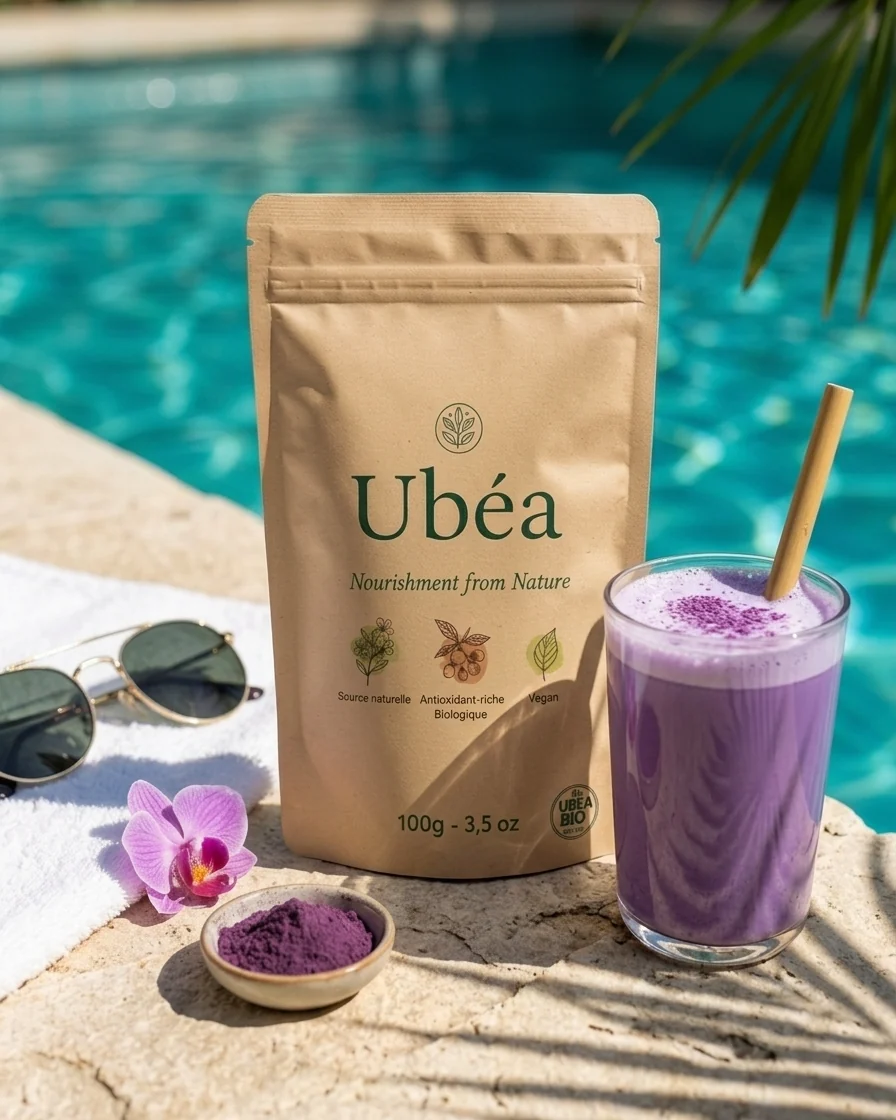
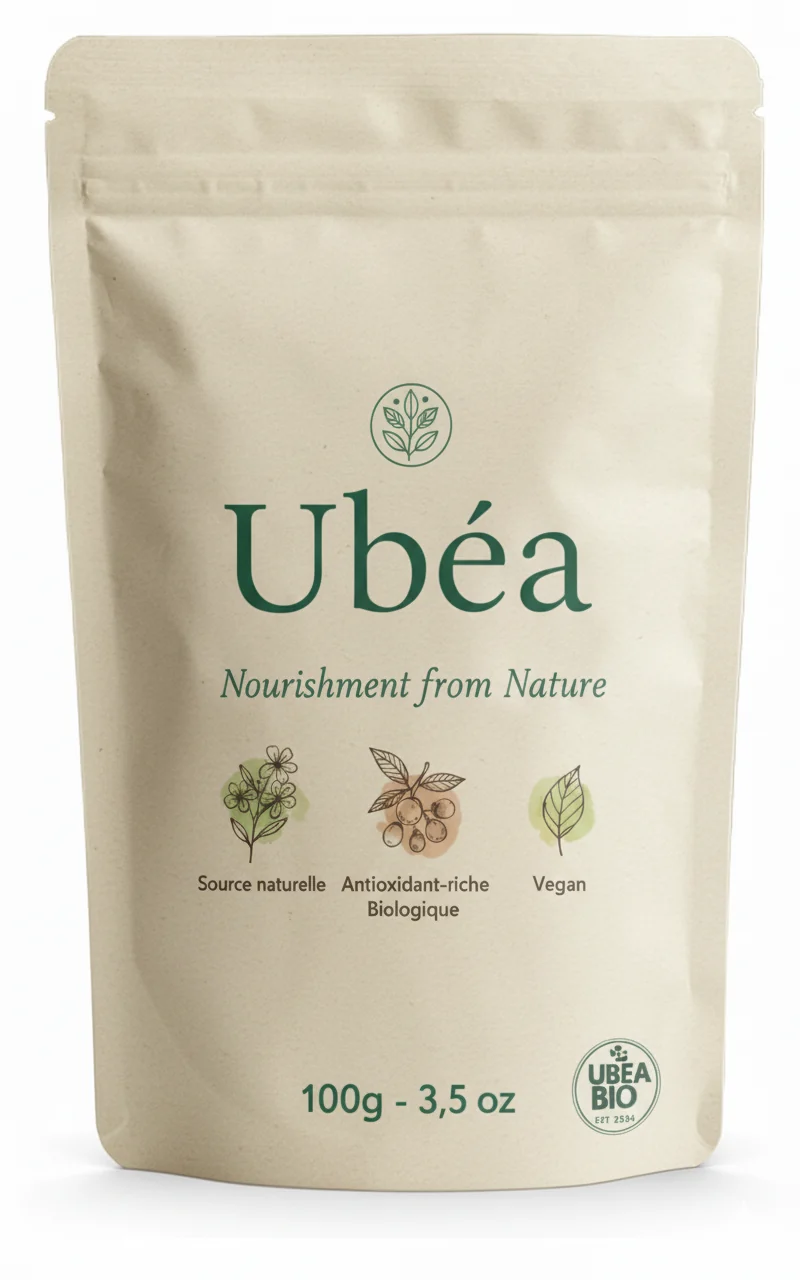
From packshot to summer campaign
Turn a simple product photo into a lifestyle visual for ads and social media.
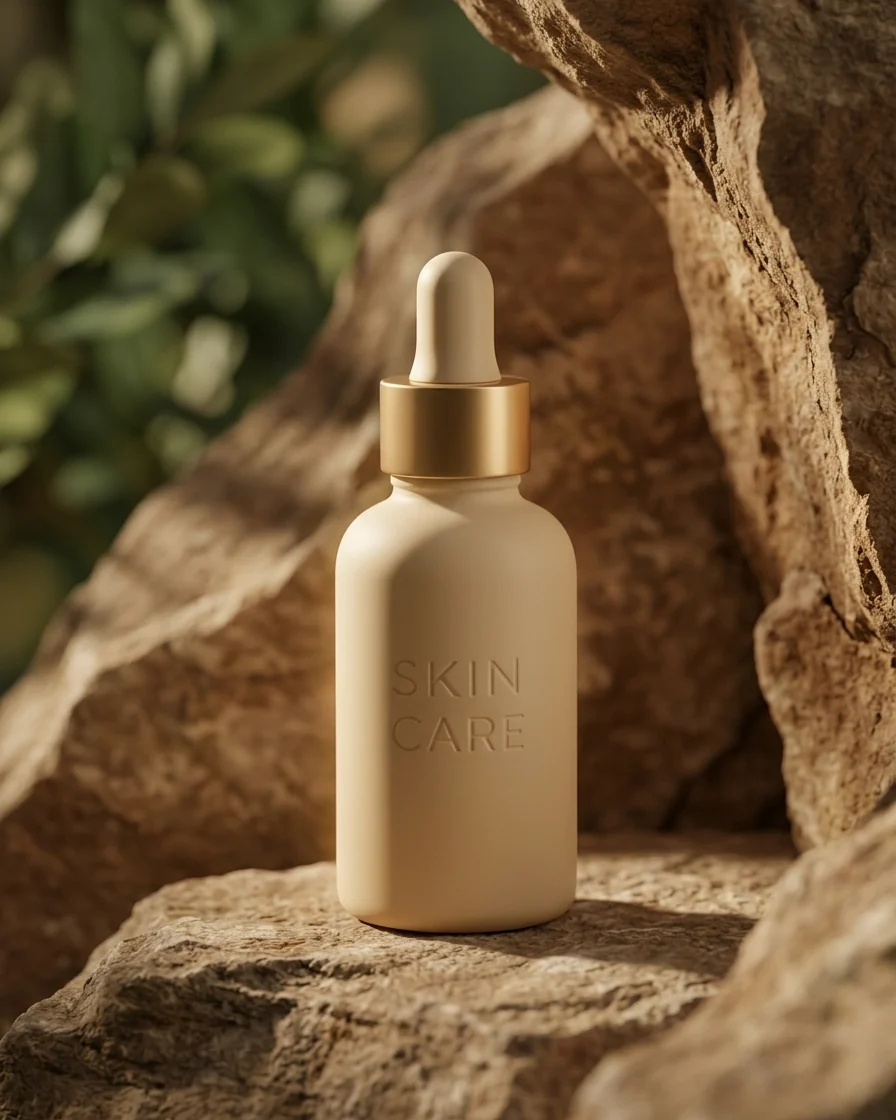
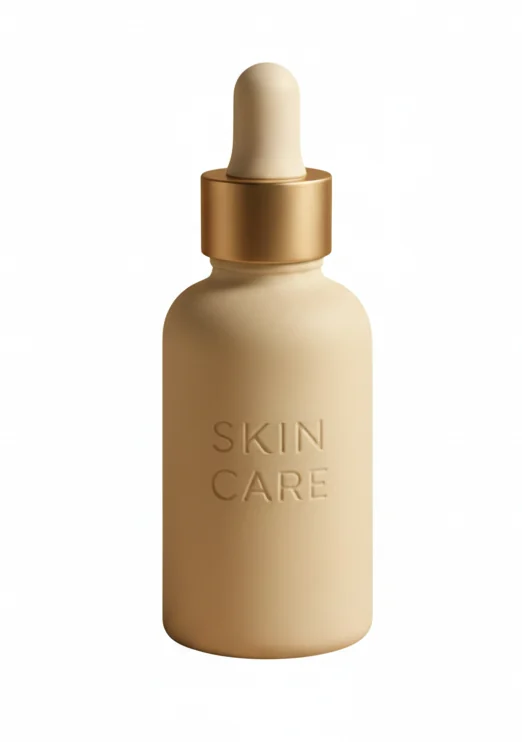
One visual identity, without a new shoot
Adapt the same product to settings that stay consistent with your brand.
These are MyShotPro demonstrations created from product images. Always review AI-generated visuals before publishing.
Comparing AI image tools?
If you are evaluating several options for e-commerce visuals, our detailed comparison covers how each tool handles a product-photo workflow.
Challenges you know
Common problems MyShotPro solves in a few clicks
Photo studios out of budget
Renting a studio and paying a photographer costs €300-1,000 per session. Unaffordable with dozens of products.
Impossible variations
You need the same product in 5 different settings. Each variation = a new shoot.
Long delivery times
Between booking the studio, shooting and editing, expect at least 2-3 weeks.
AIs distort your products
Midjourney and DALL-E modify colors, textures and proportions. Unusable for selling.
Catalog visual consistency
Your online store needs a consistent visual identity for every product.
Cost per image too high
Product photo editing services charge €5-20 per image. With 100 products, the budget explodes.
How MyShotPro helps you
A solution designed for your profession
100% guaranteed product fidelity
Colors, textures, proportions, logo, packaging: everything is perfectly preserved.
Setting imported in one click
Find a product staging you like. MyShotPro reproduces the same mood with your product.
Unlimited variations
Christmas, summer, nature, urban, luxury, minimalist… Showcase your product in as many contexts as needed.
€0.07 per product photo
A catalog of 100 products in 3 settings = 300 photos for about €21. Vs €3,000+ with a photographer.
Example results
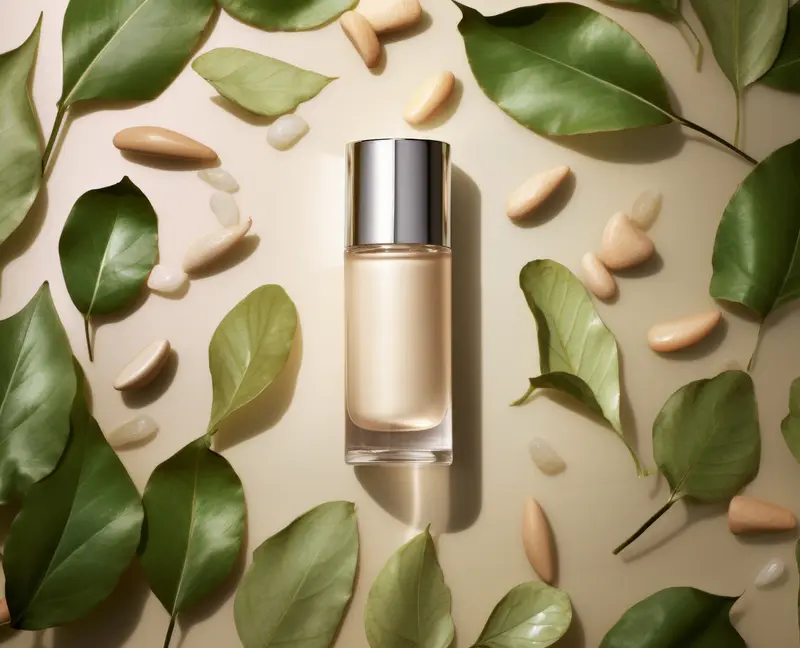
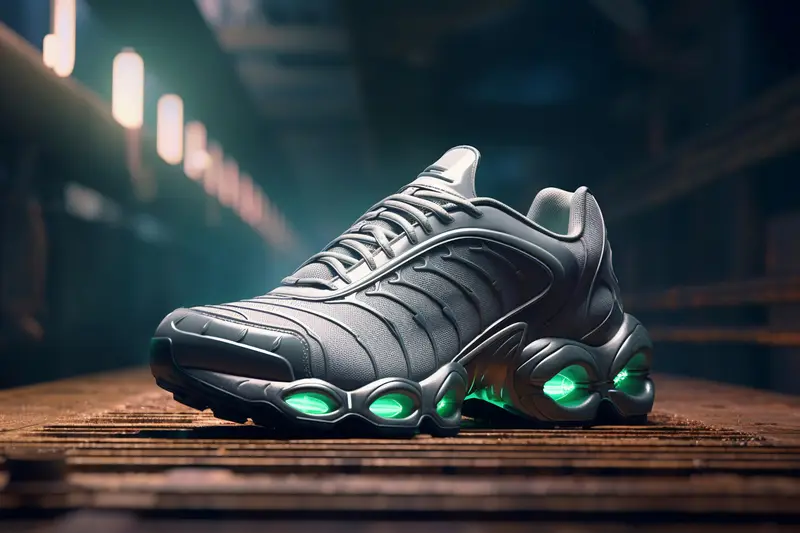
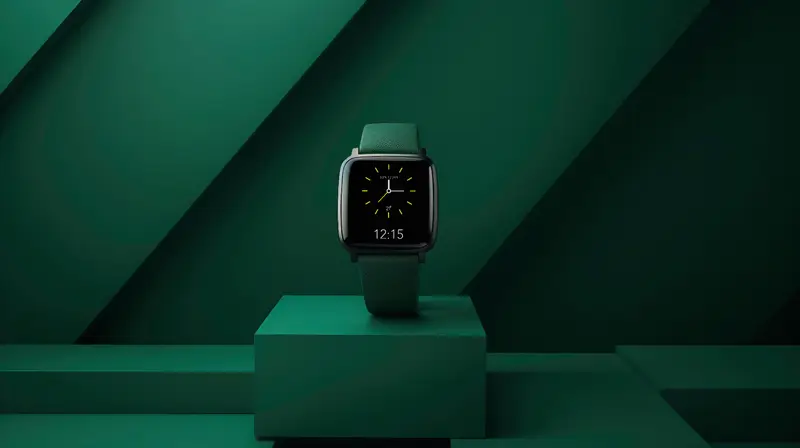


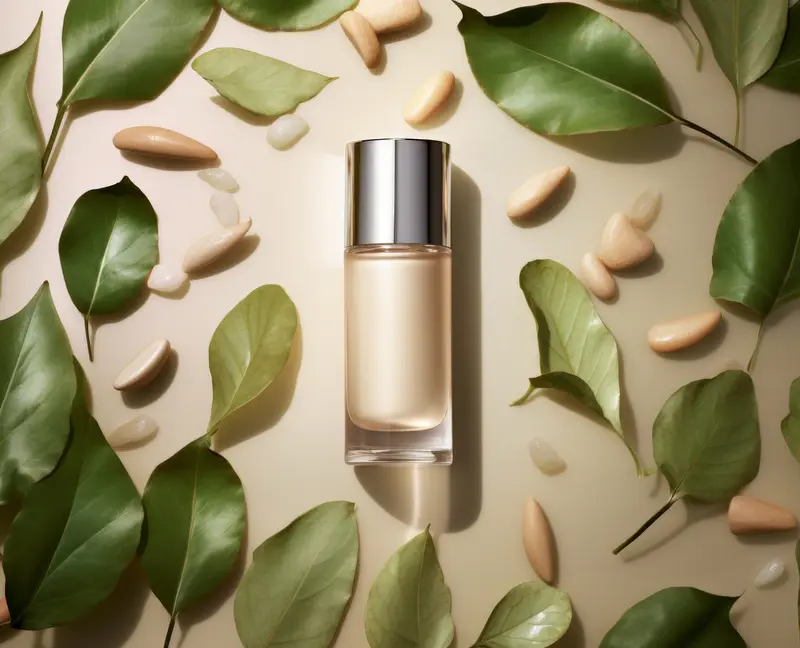
Why choose MyShotPro?
Zero prompts required
Import a reference image and MyShotPro automatically understands the style, mood and composition you want.
No subscription
Pay only for what you use. No monthly commitment, no surprises. Starting at €0.07 per image.
30 seconds flat
From importing your subject to the final result, everything happens in under 30 seconds. No technical skills needed.
Professional AI product photography accessible to all
Product photography is crucial for e-commerce. 75% of online shoppers rely on product photos. MyShotPro democratizes product photography by enabling any business to create professional AI packshots in 30 seconds.
Seasonal and contextual variations
Christmas, Valentine's Day, summer sales… Each season requires refreshing your visuals. With MyShotPro, simply change the inspiration image to get your product in a different context.
Subscription-free alternative to photo studios
Traditional solutions cost €5-50 per image. MyShotPro is the subscription-free alternative: pay only for generated images, from €0.07 per photo.
Credits, not subscriptions.
Total freedom. Your credits never expire and you only pay for what you actually use.
No commitment. No hidden fees.
Discovery Pack
Perfect for testing on a one-time project.
- 33 HD images
- Unlimited validity
- Pinterest Sync included
- Iterative editing
- Save your photos
- 2K and 4K export
Creator Pack
For community managers and e-commerce sellers.
20% bonus credits
- 80 HD images
- Unlimited validity
- Pinterest Sync included
- Iterative editing
- Save your photos
- 2K and 4K export
Business Pack
For agencies and high volumes.
30% bonus credits
- 173 HD images
- Unlimited validity
- Pinterest Sync included
- Iterative editing
- Save your photos
- 2K and 4K export
Need more than 5,000 credits? Contact us for a custom quote
Frequently asked questions
Are my product colors faithful?+
Can I use these photos on my online store?+
What product photo do I need to provide?+
How many variations per product?+
Does MyShotPro replace a photo studio?+
AI product photography guide
Create an AI product photo in 3 steps
- 1
Upload a clear product photo
Start with an image where the shape, colours and finishes of your item are easy to read. That file is the reference the AI works from, so the sharper and better lit it is, the closer the result will be to the real product.
- 2
Choose a packshot, lifestyle, or seasonal direction
Decide what the visual is for. A packshot isolates the product on a plain background, a lifestyle image places it in a real-world setting, and a seasonal direction adapts the mood to a specific selling period.
- 3
Generate and review the result before publishing
The AI returns a proposal based on your reference. Review it carefully: check colours, proportions, labels and any text or logo on the packaging before you use the image on a store or in a campaign.
What product visuals can you create?
Packshots for product listings
Lifestyle images for campaigns and social media
Seasonal variants for collections
Visuals tailored to Shopify, Amazon and Etsy
How to prepare your product photo
Keep the product clearly visible: centre the item in the frame and avoid areas that are too dark or out of focus.
Use even lighting: diffuse light limits harsh shadows and strong reflections that can confuse the AI.
Make packaging and labels readable: text, codes and logos should already be legible in the source photo.
Keep the background as simple as possible: a plain or uncluttered background makes it easier to isolate and restage the product.
Review the final visual: check the logo, text, colours and important details on every generated image before publishing it.
AI product photography FAQ
What is AI product photography?
Do I need to write prompts?
Can I use a photo taken with my phone?
Can AI preserve logos and packaging details?
Can I use generated visuals on Shopify, Amazon, or Etsy?
What is the difference between a packshot and a lifestyle image?
Guides and use cases
- AI product packshot
- White background product photo
- Product shoot without a studio
- Photograph your own products
- Amazon product photo rules
- Product photo shoot cost
- AI jewellery photos
- AI food photos
- AI cosmetics photos
- AI furniture photos
- Showcase a product
- Remove a background for free
- LinkedIn profile photo rules
- AI professional photo
- AI LinkedIn photo
- AI personal branding
- Content creators
Comparisons
Stop prompting.
Start creating.
Turn your web inspirations into professional photos in seconds. No technical skills needed.
No credit card required to try