Remove a background for free methods that work
Removing the background of a product photo or portrait has never been easier. Here are the free options, their limits, and how to go further.
To remove a background for free: use your phone's built-in feature (long-press the subject on recent iPhones), free software like GIMP, or an AI tool. With MyShotPro, background removal costs 1 credit and the 10 free sign-up credits let you try it for free.
Try for freeGo further
Guides and use cases for better visuals.
Challenges you know
Common problems MyShotPro solves in a few clicks
Rough edges
Hair, fur, glass or transparent objects are often poorly cut out.
Slow manual work
With lasso or pen tools, a clean cut-out can take many minutes per image.
Free tool limits
Low resolution, watermark or capped number of images depending on the service.
How MyShotPro helps you
A solution designed for your profession
Your phone
Recent smartphones isolate the subject with a long press: fast, but results vary.
Free software
GIMP or Photopea allow precise cut-outs, but take time and practice.
One-click AI
MyShotPro removes the background, then can place the product on white or in a new scene.
Example results
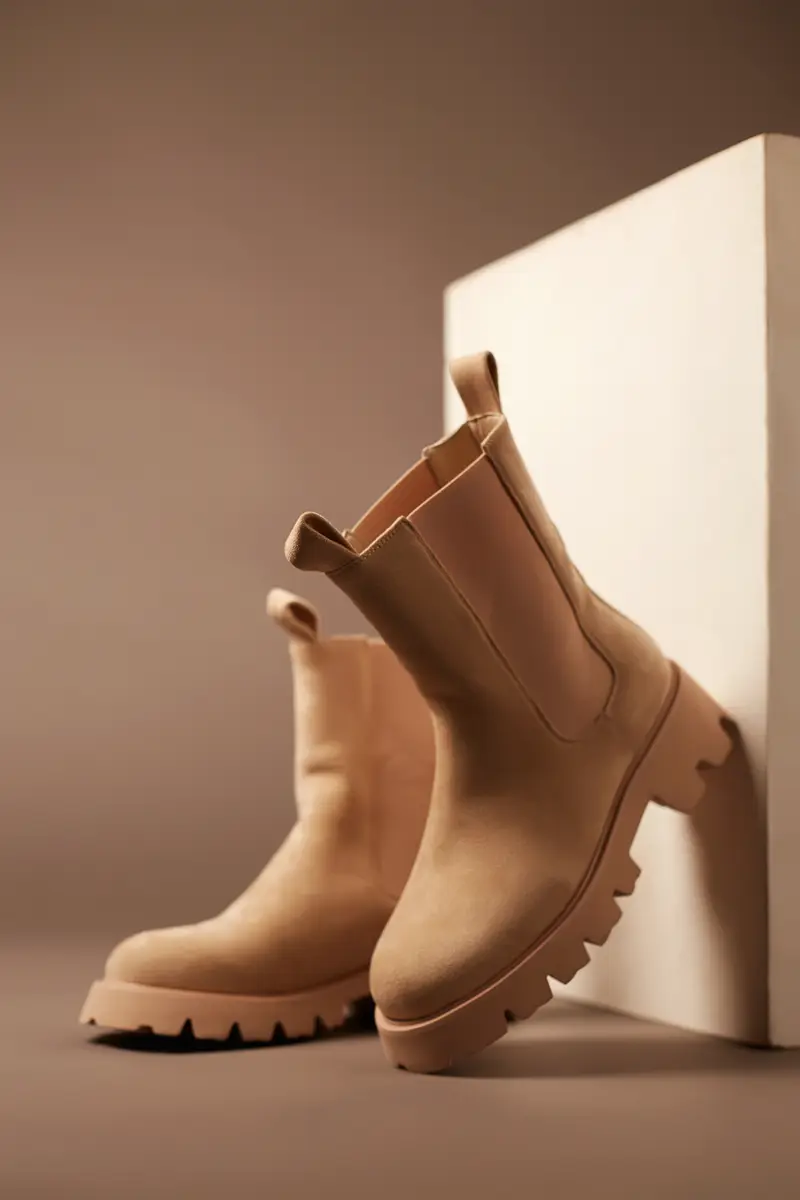



Why choose MyShotPro?
Zero prompts required
Import a reference image and MyShotPro automatically understands the style, mood and composition you want.
No subscription
Pay only for what you use. No monthly commitment, no surprises. Starting at €0.07 per image.
30 seconds flat
From importing your subject to the final result, everything happens in under 30 seconds. No technical skills needed.
Prepare the photo
A sharp, well-lit subject that contrasts with the background gives a cleaner cut-out with any tool.
Cutting out isn't always enough
A cut-out product on a transparent background then needs consistent shadow and lighting to look natural.
Credits, not subscriptions.
Total freedom. Your credits never expire and you only pay for what you actually use.
No commitment. No hidden fees.
Discovery Pack
Perfect for testing on a one-time project.
- 33 HD images
- Unlimited validity
- Pinterest Sync included
- Iterative editing
- Save your photos
- 2K and 4K export
Creator Pack
For community managers and e-commerce sellers.
20% bonus credits
- 80 HD images
- Unlimited validity
- Pinterest Sync included
- Iterative editing
- Save your photos
- 2K and 4K export
Business Pack
For agencies and high volumes.
30% bonus credits
- 173 HD images
- Unlimited validity
- Pinterest Sync included
- Iterative editing
- Save your photos
- 2K and 4K export
Need more than 5,000 credits? Contact us for a custom quote
Frequently asked questions
What's the fastest method?+
What next after removing the background?+
Is MyShotPro's background removal free?+
Guides and use cases
- AI product photos
- AI product packshot
- White background product photo
- Product shoot without a studio
- Photograph your own products
- Amazon product photo rules
- Product photo shoot cost
- AI jewellery photos
- AI food photos
- AI cosmetics photos
- AI furniture photos
- Showcase a product
- LinkedIn profile photo rules
- AI professional photo
- AI LinkedIn photo
- AI personal branding
- Content creators
Comparisons
Stop prompting.
Start creating.
Turn your web inspirations into professional photos in seconds. No technical skills needed.
No credit card required to try