Refine lighting
Modify the light, shadows and atmosphere of your images.
Refine lighting
Adjust the lighting of your generated images to achieve the perfect atmosphere. This feature can completely transform the mood of a visual without changing the composition.
How to refine lighting?
- •1. Select the image to modify from your gallery
- •2. Click 'Refine lighting'
- •3. Describe the desired adjustments (light type, intensity, direction)
- •4. AI applies changes while preserving your subject
- •5. Compare with the original and download if satisfied
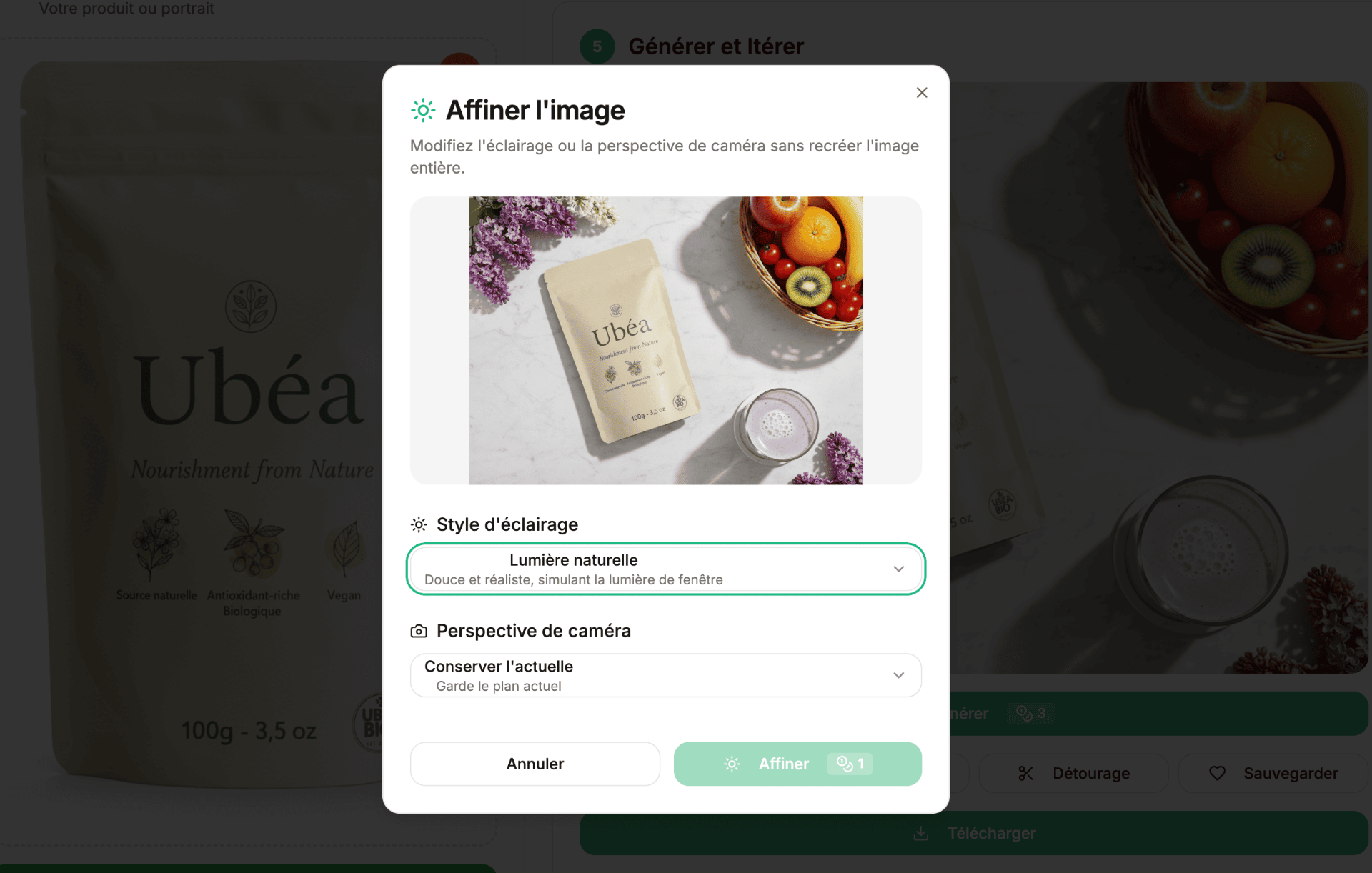
Possible lighting types
- •Golden morning or sunset light
- •Professional studio lighting
- •Dramatic backlight
- •Soft, diffused natural light
- •Neon or colored ambiance
- •Cold winter lighting
Cost
Lighting refinement costs 1 credit.
💡 Tip
Lighting makes all the difference! Try different moods to find the one that best matches your brand.