Import your subject
Upload a photo of your product or portrait to start a generation.
Import your subject
The first step to generate a visual is to import the photo of your subject. It can be a product (bottle, clothing, jewelry…), a portrait, or any object.
How to import?
- •1. Click the import area or drag & drop your image
- •2. Accepted formats: JPG, PNG, WebP
- •3. Maximum size: 10 MB
- •4. AI automatically detects your subject and isolates it from the background
- •5. Review the cutout and adjust if needed
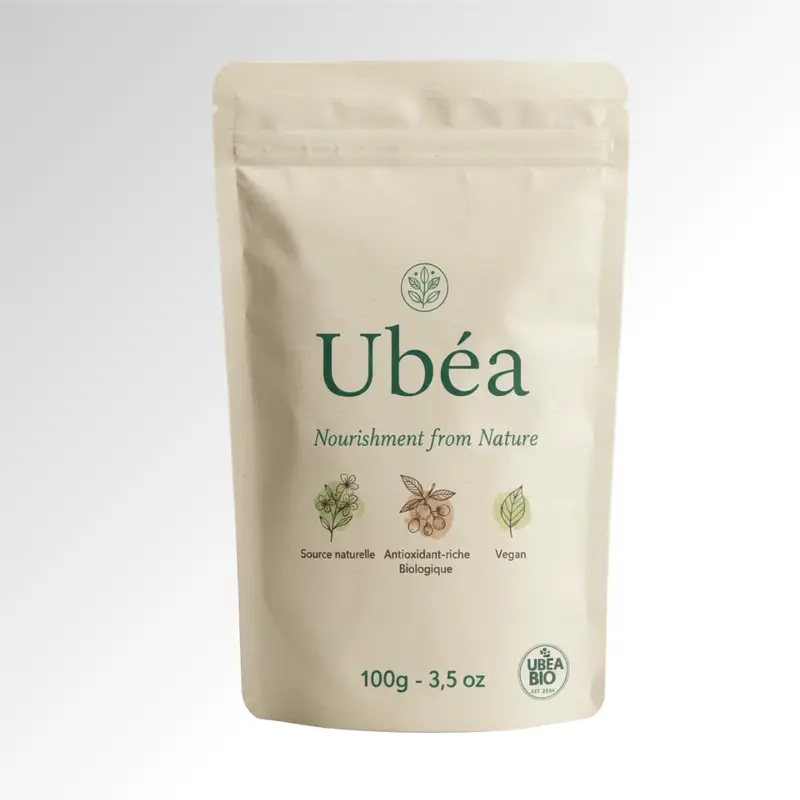
Tips for best results
- •Use a photo with good, even lighting
- •Prefer a simple or solid background
- •Make sure the subject is sharp and centered
- •Avoid photos that are too dark or blurry
- •Sufficient resolution (minimum 500px) yields better results
💡 Tip
For better results, use a photo with good lighting and a simple background.