Create custom ambiances
Describe the desired mood or import a reference from Pinterest.
Create custom ambiances
Beyond predefined scenarios, you can freely describe the desired mood for your visual. This is the most flexible method to get exactly what you imagine.
How to create an ambiance?
- •1. Import your subject
- •2. In the description field, describe the desired mood in a few words
- •3. Specify the setting, lighting, time of day, style
- •4. Examples: 'On a wooden table with golden morning light', 'In a minimalist white studio'
- •5. AI interprets your description and generates the visual
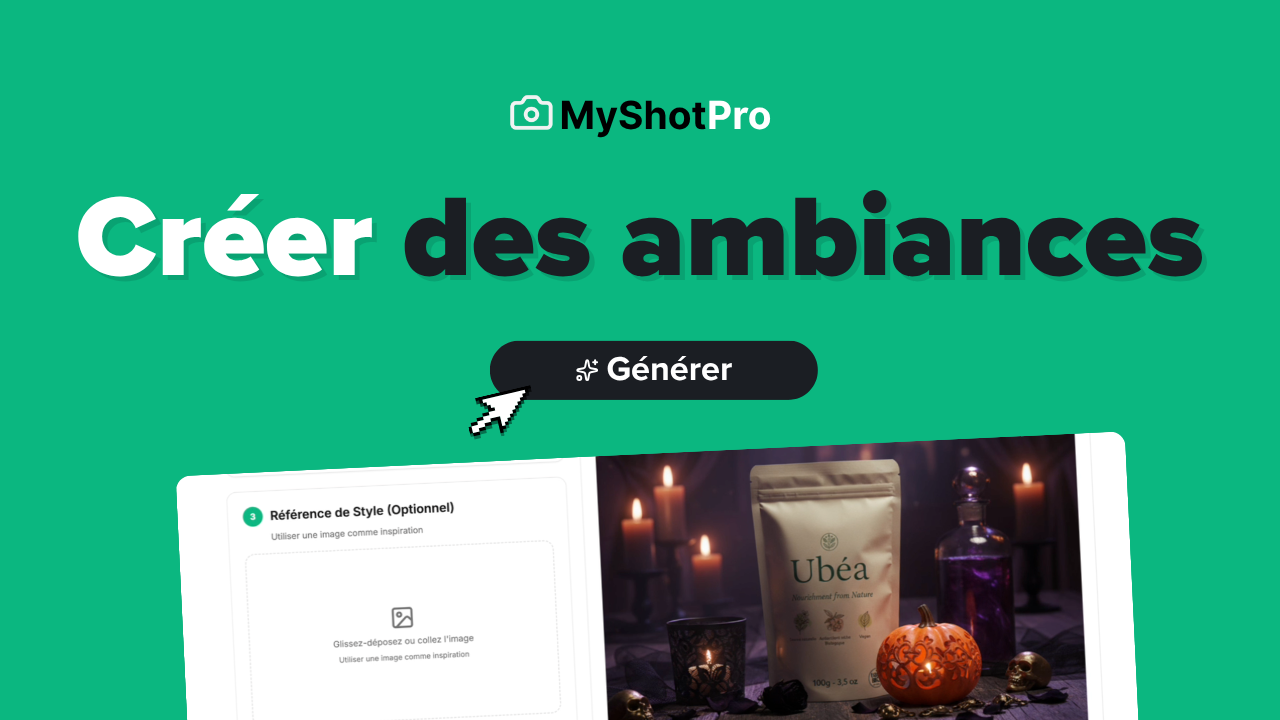
Using Pinterest as inspiration
You can also paste a Pinterest link so the AI draws inspiration from the image's mood. Perfect for reproducing moodboards with your own products.
Tips for good results
- •Be descriptive: mention materials, colors, type of light
- •Indicate the context: indoor/outdoor, season, time of day
- •Specify the style: minimalist, luxurious, natural, urban…
- •Iterate: if the first result isn't perfect, adjust the description
💡 Tip
You can also import a reference image from Pinterest to describe the desired ambiance!