News
February 2025 Updates
Published on February 15, 2025
MyShotPro shifts into high gear: 7 new features to discover
Since the launch of MyShotPro, one thing hasn't changed: every update comes from a real-world problem. A user wasting time re-uploading their photo for each generation. Another wanting to print their visual but the resolution isn't sufficient. A community manager who gets inspired on Pinterest but has to go through five steps to use a reference image.
These 7 new features address exactly these pain points. Here's what's changing.
1. Pinterest image extraction by link
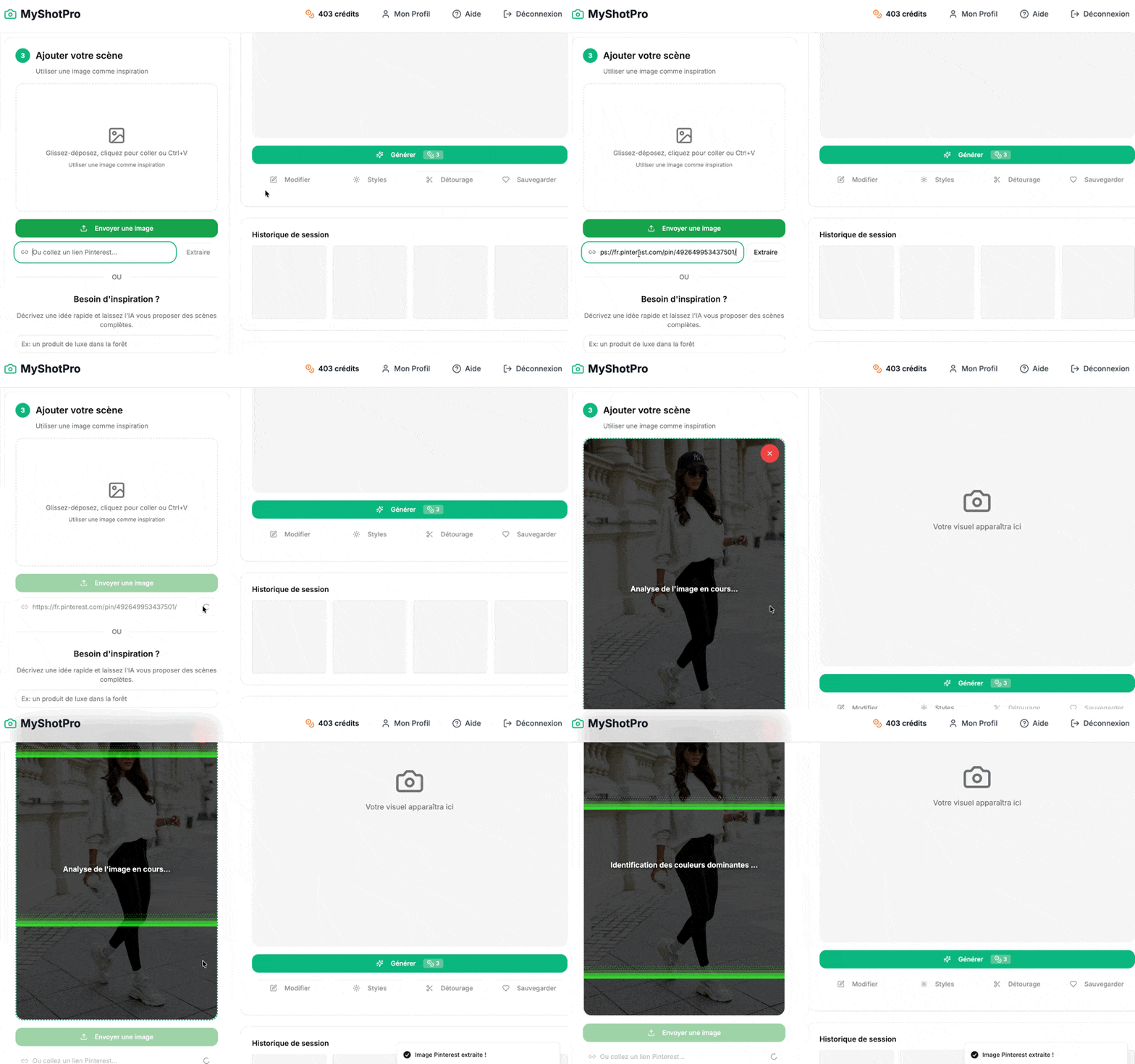
Finding inspiration on Pinterest is natural for most creatives. Until now, using a Pinterest image as a style reference in MyShotPro required taking a screenshot, saving it, then importing it manually.
That's over. Simply paste the URL of a pin in the dedicated field at step 3: the image is automatically extracted and analyzed as a visual reference. Zero friction between your inspiration and your generation.
2. 2K and 4K Upscale: your images ready for print
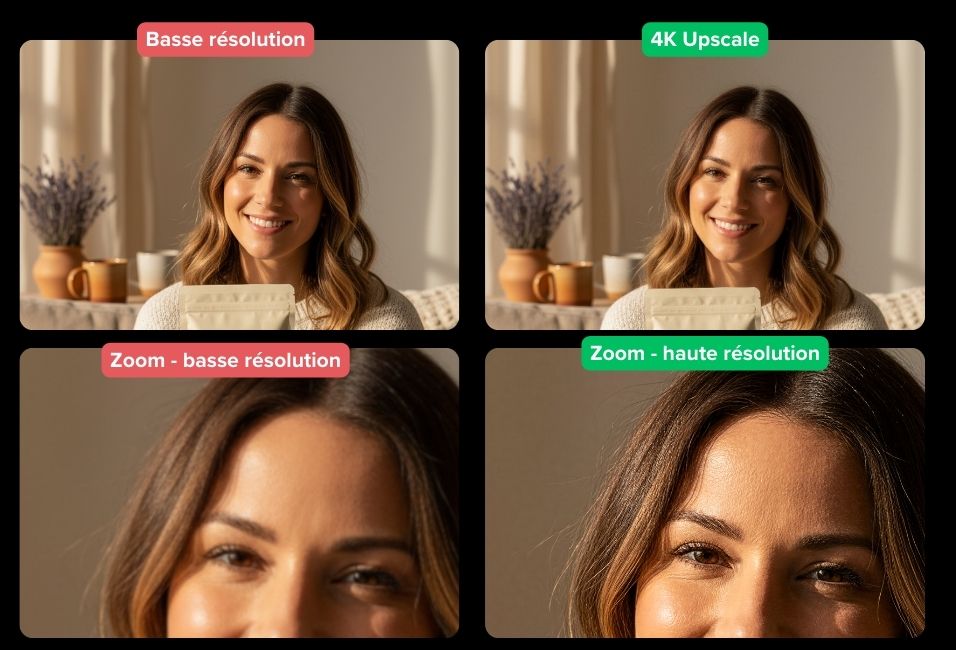
Images generated by MyShotPro are already clean and professional for the web and social media. But for printing, packaging, or large formats, standard resolution isn't always enough.
With upscale, you enlarge your images by ×2 or ×4 directly from the platform. A standard image weighs about 1.5 MB. In 2K, it goes up to about 5 MB (3× more detail). In 4K, about 25 MB — 16× more detail than the original.
Result: sharp, precise visuals usable everywhere, including on premium print media.
3. "My Library" in the generation flow
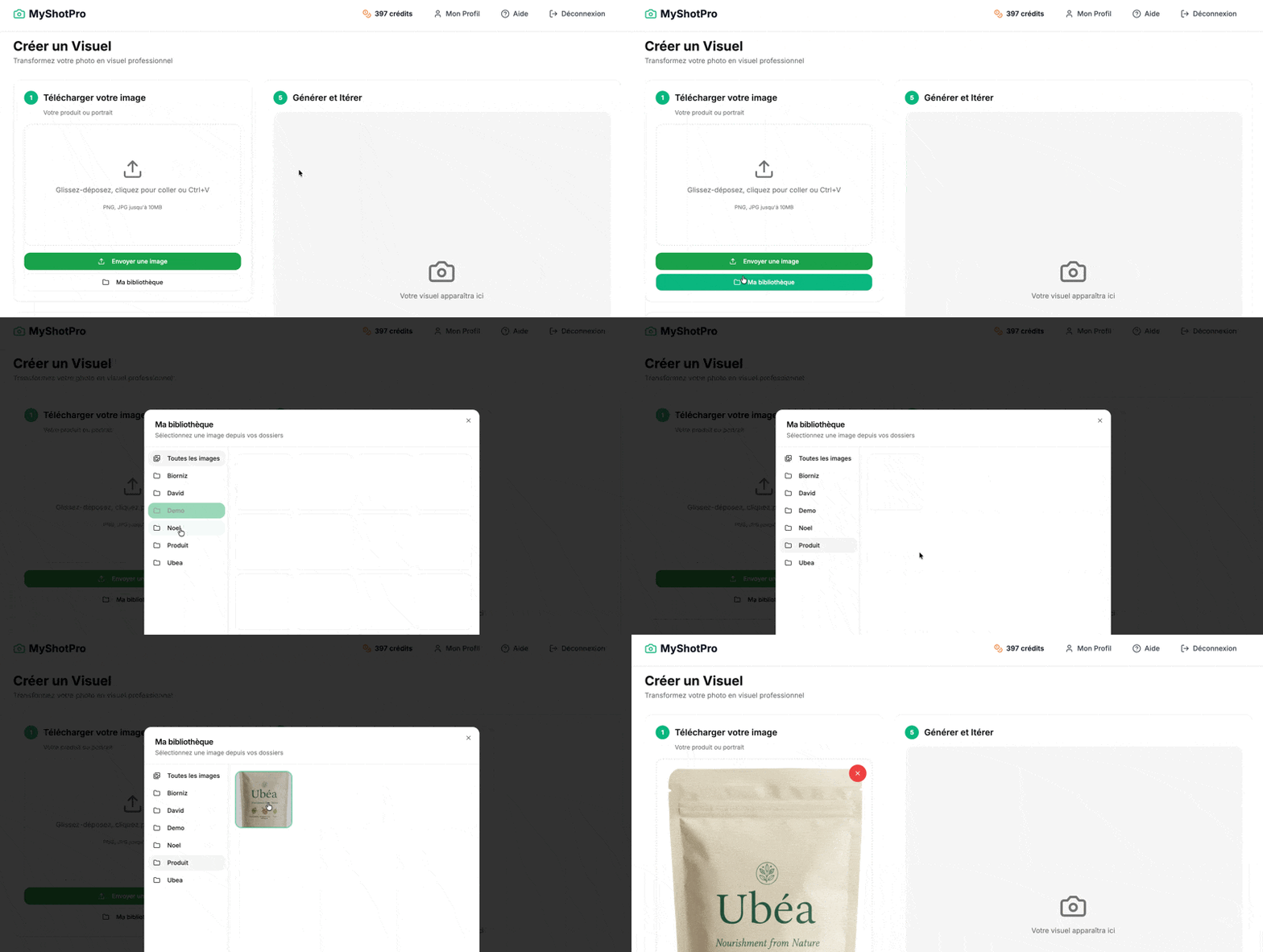
If you regularly work with the same products or portraits, you know how tedious it can be to re-upload your images for each new generation.
The "My Library" button solves that. Available from step 1 of the generation flow, it lets you select with one click any image already saved in your folders. Your assets always at hand, immediately available.
4. Import personal images into your account
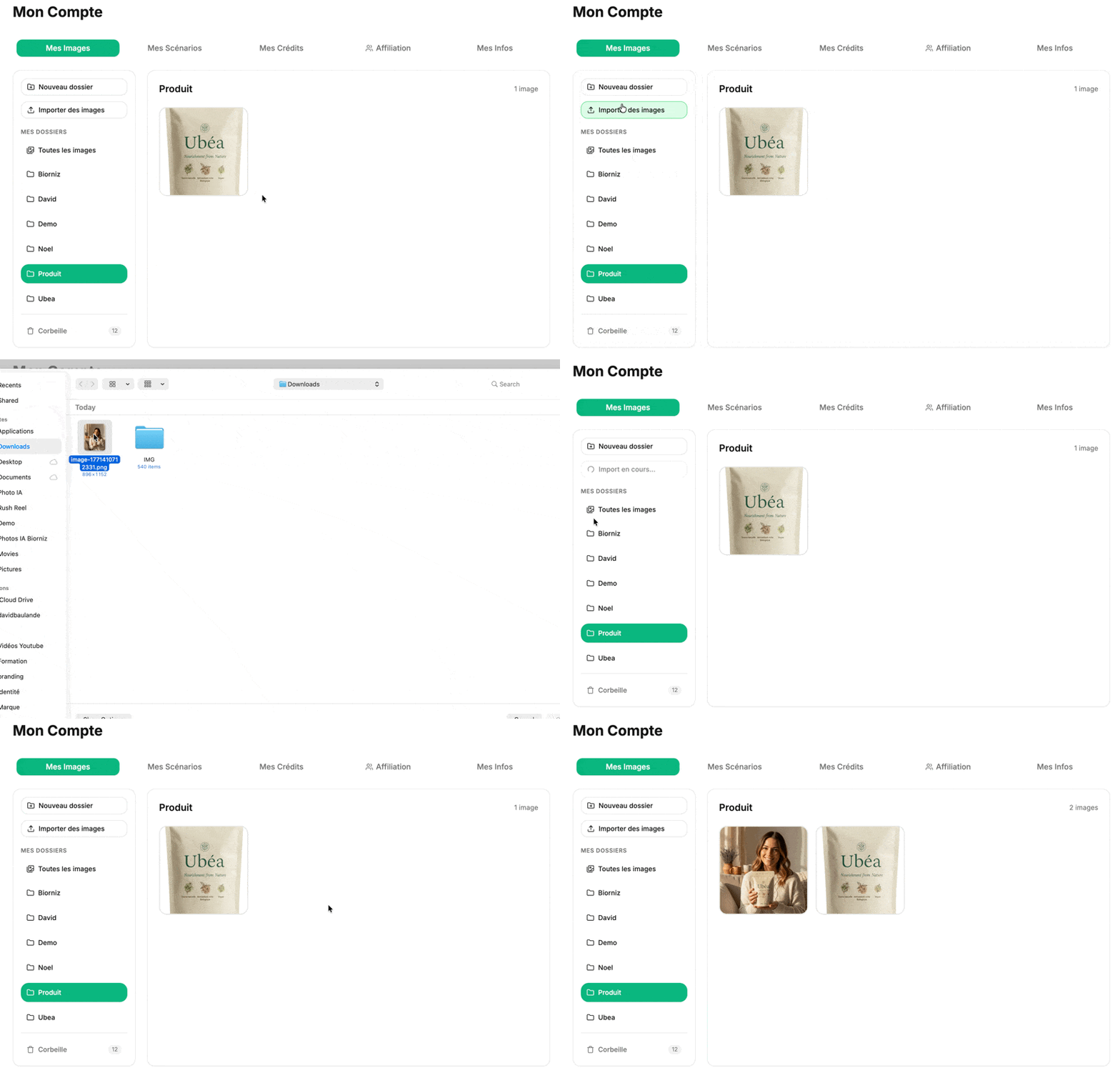
To populate this library, you can now import up to 10 photos at once from the Images tab of your account (10 MB maximum per image). Build your image bank once, reuse them indefinitely.
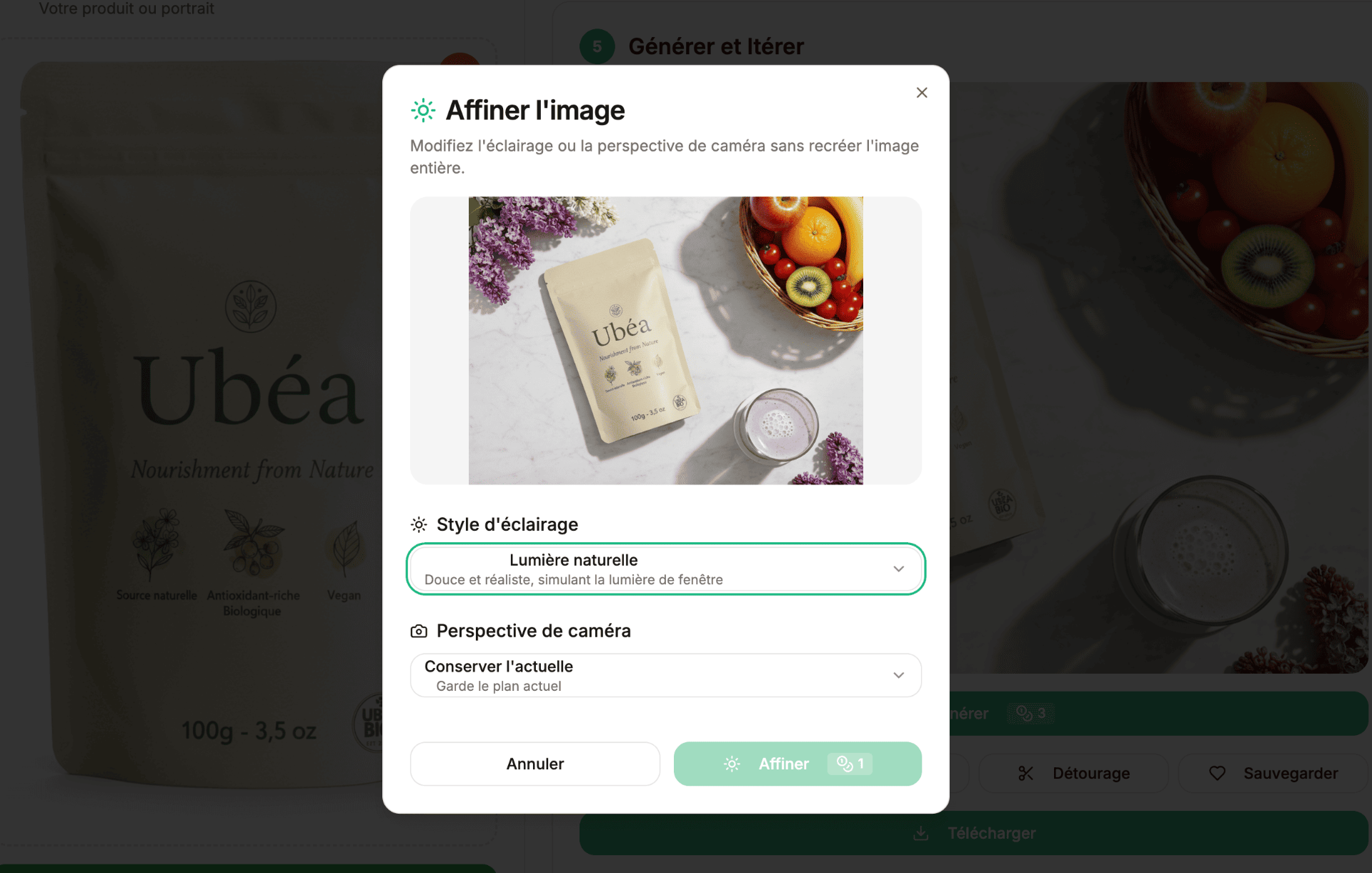
5. Lighting and camera angle refinement
A generated image looks great, but the lighting is too cold? The viewing angle doesn't quite match what you're looking for? Until now, you had to relaunch a complete generation.
Now, you can modify the lighting (natural, studio, golden hour, dramatic, neon, softbox…) and the camera angle directly on an existing image, without starting from scratch. Precise control over the final rendering, in just seconds.
6. Suggestion box on the News page
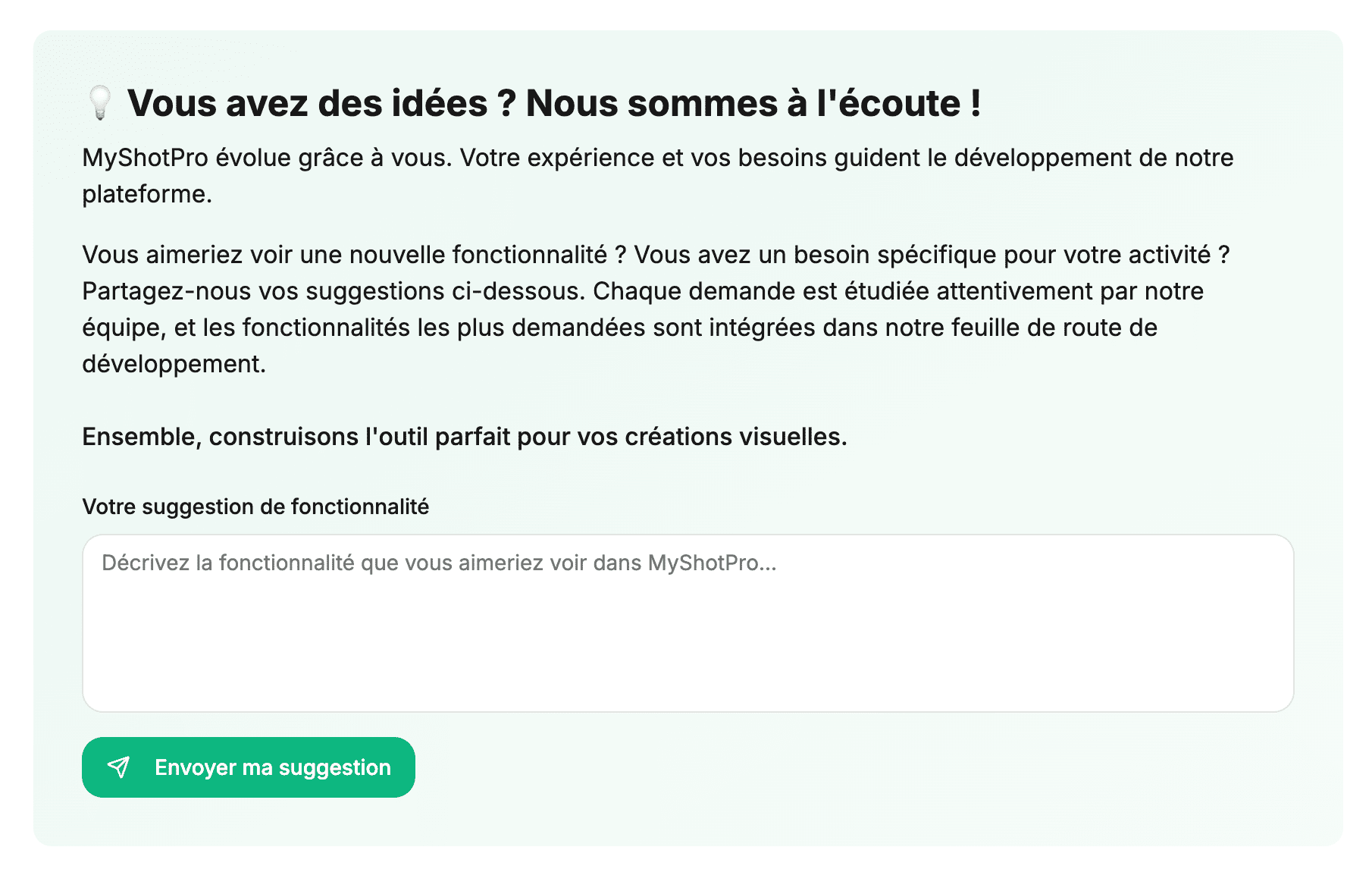
MyShotPro evolves thanks to user feedback. To facilitate these exchanges, a suggestion form is now integrated directly into the News page. Each submitted idea generates an automatic notification to the team, which can then prioritize the most awaited developments.
Have a feature in mind? Now's the time to share it.
7. Affiliate program: 20% commission on every sale
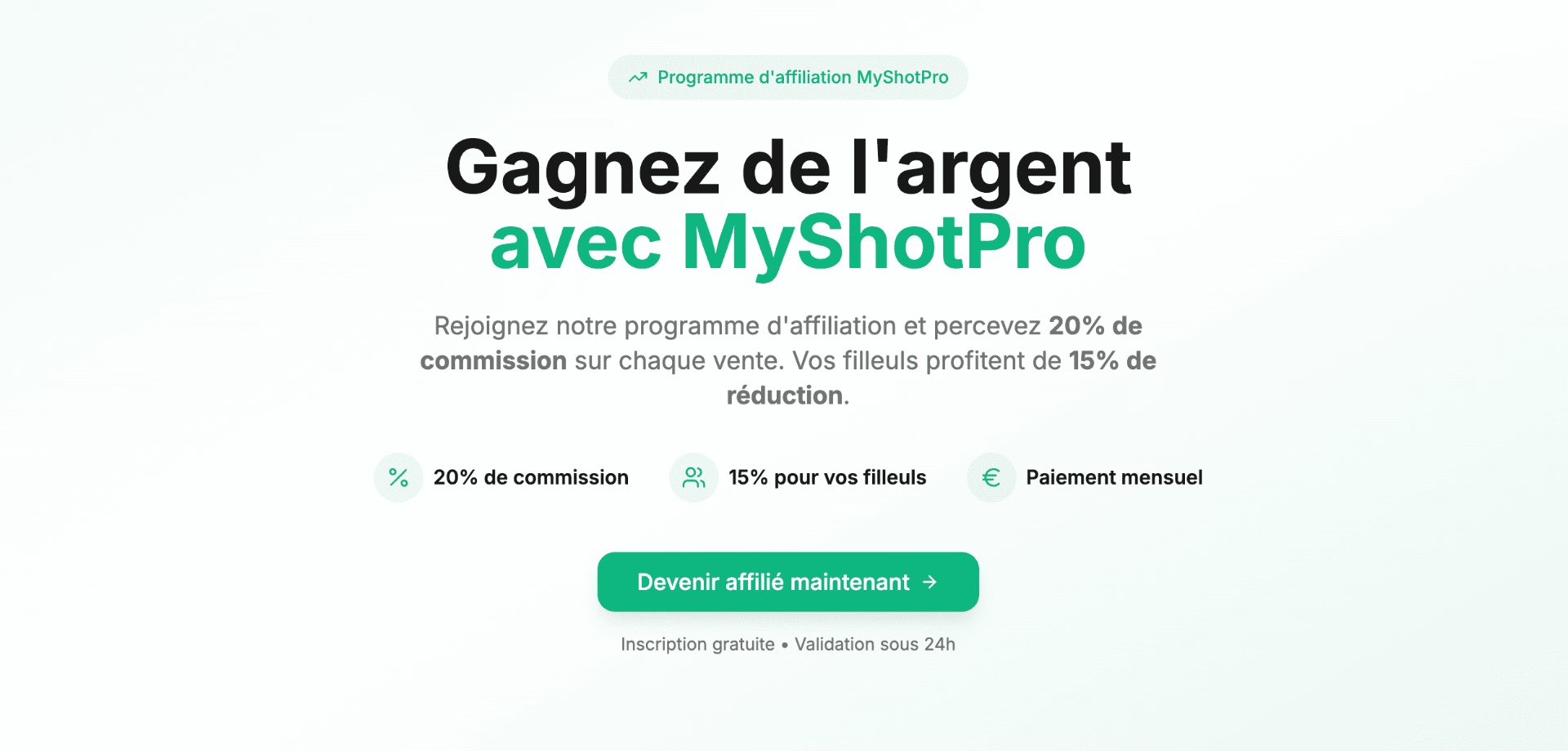
This is the most impactful new feature of recent months. MyShotPro officially launches its affiliate program.
In practice: you become an affiliate, you get a personalized promo code offering 15% off to your referrals, and you earn 20% commission on every sale generated by your code. A real-time dashboard lets you track your sales, view your transaction history, and manage your payments (IBAN or PayPal). You can also convert your commissions directly into MyShotPro credits.
It's a concrete way to monetize your community or audience while helping your contacts produce better visuals.
In summary
These 7 features share one thing in common: they eliminate friction. Fewer steps, less repetition, more control over the result. That's exactly the direction MyShotPro continues to evolve in.
If you have suggestions for what's next, use the idea box below. We read everything.
Want to try MyShotPro? 10 free credits on signup →
💡 Got ideas? We're listening!
MyShotPro evolves thanks to you. Your experience and needs guide the development of our platform.
Would you like to see a new feature? Do you have a specific need for your business? Share your suggestions below. Every request is carefully reviewed by our team, and the most requested features are added to our development roadmap.
Together, let's build the perfect tool for your visual creations.